
Independent product · Personal finance
Expences
Expense tracking designed around the payment evidence people already have.
Expences is a spending-only SwiftUI app for iPhone, iPad, and Mac. It imports UPI screenshots and extracts key fields on device.
- Role
- Product design · Apple-platform engineering
- Platform
- iPhone · iPad · Mac
- Stack
- SwiftUI · SwiftData · CloudKit · PDFKit
- Released
- App Store · 2026
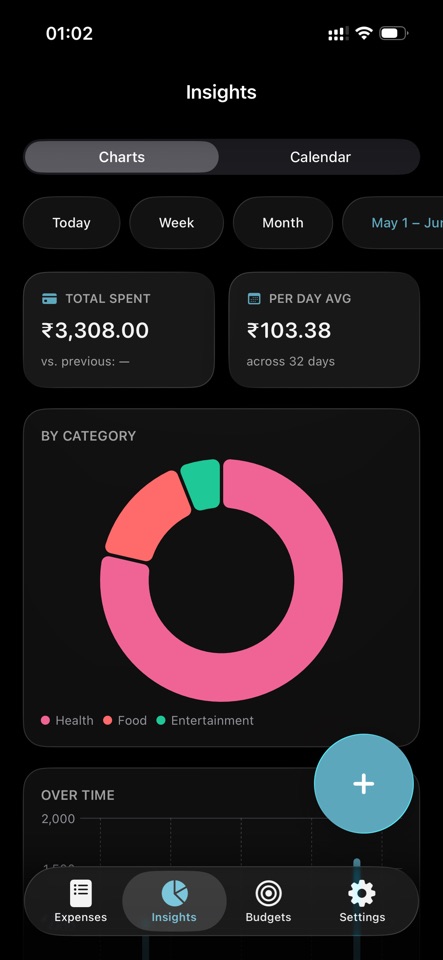
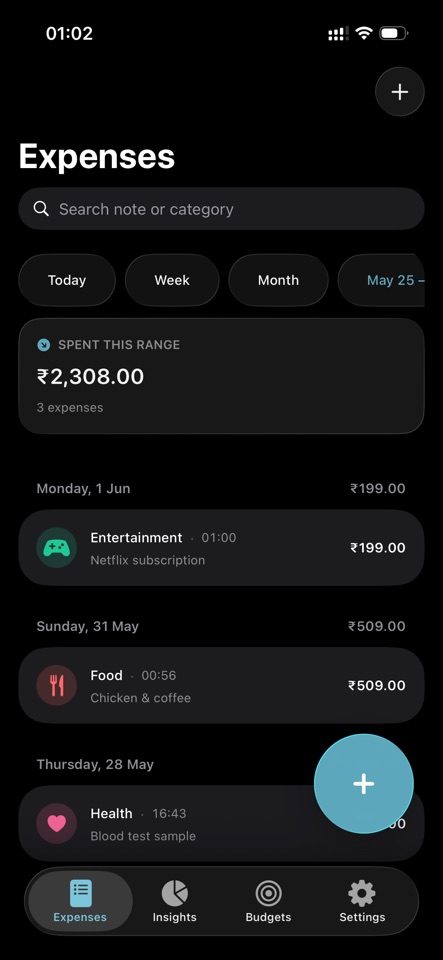
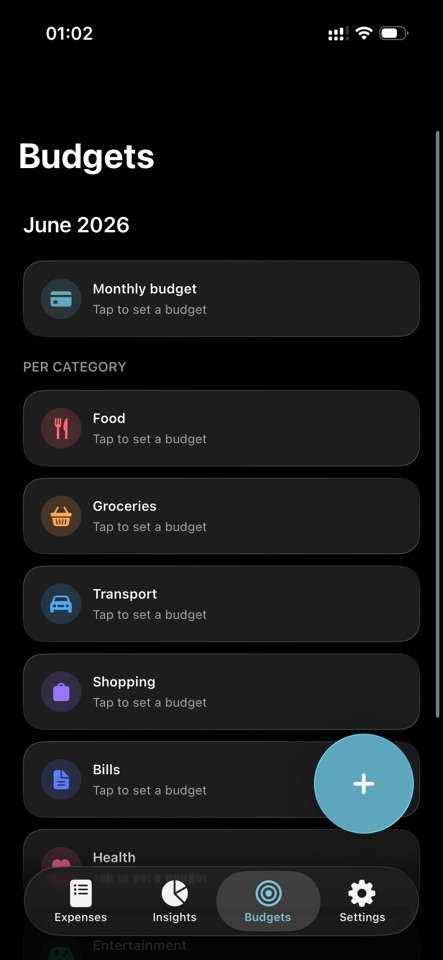
The product decision
Reduce expense entry to recognition, not recollection.
Most trackers ask users to recreate a payment they just made. Expences uses the payment screenshot as the starting point.
It stays spending-only: quick capture, clear reports, private data, and no income ledger.
Import pipeline
Different UPI layouts, one predictable review step.
GPay, PhonePe, Paytm, and BHIM show the same facts in different layouts. The importer normalizes them on device.
- 01
Accept
The user selects a payment screenshot already stored on the device.
- 02
Extract
On-device text recognition identifies candidate amounts, merchant names, dates, and payment-method signals.
- 03
Normalize
Provider-specific formats are converted into a common draft expense model.
- 04
Confirm
The user reviews the extracted fields before anything enters the expense ledger.
Confidence is handled in the interface instead of hidden behind automation. Extraction accelerates entry; user confirmation protects correctness.
One product, three form factors
Shared data does not require identical interfaces.
The SwiftUI codebase supports iPhone, iPad, and Mac through a Universal Purchase, while each platform gets interaction patterns appropriate to its form factor.
Fast capture
Amount-first entry, screenshot import, App Intents, widgets, and Back Tap reduce the path from payment to recorded expense.
Room for context
Larger layouts preserve overview and detail without stretching a phone screen across the canvas.
Keyboard and documents
Keyboard navigation and a PDFKit receipt viewer make review and organization feel native to desktop work.
Private continuity
SwiftData provides the local model; CloudKit private sync carries it across devices under the user’s own iCloud account.
Outcome
A complete Apple-platform product with no account and no subscription.
Expences is live on the App Store for iPhone, iPad, and Mac. It includes private iCloud sync, CSV and PDF export, budgets, receipt capture, and a one-time Universal Purchase.